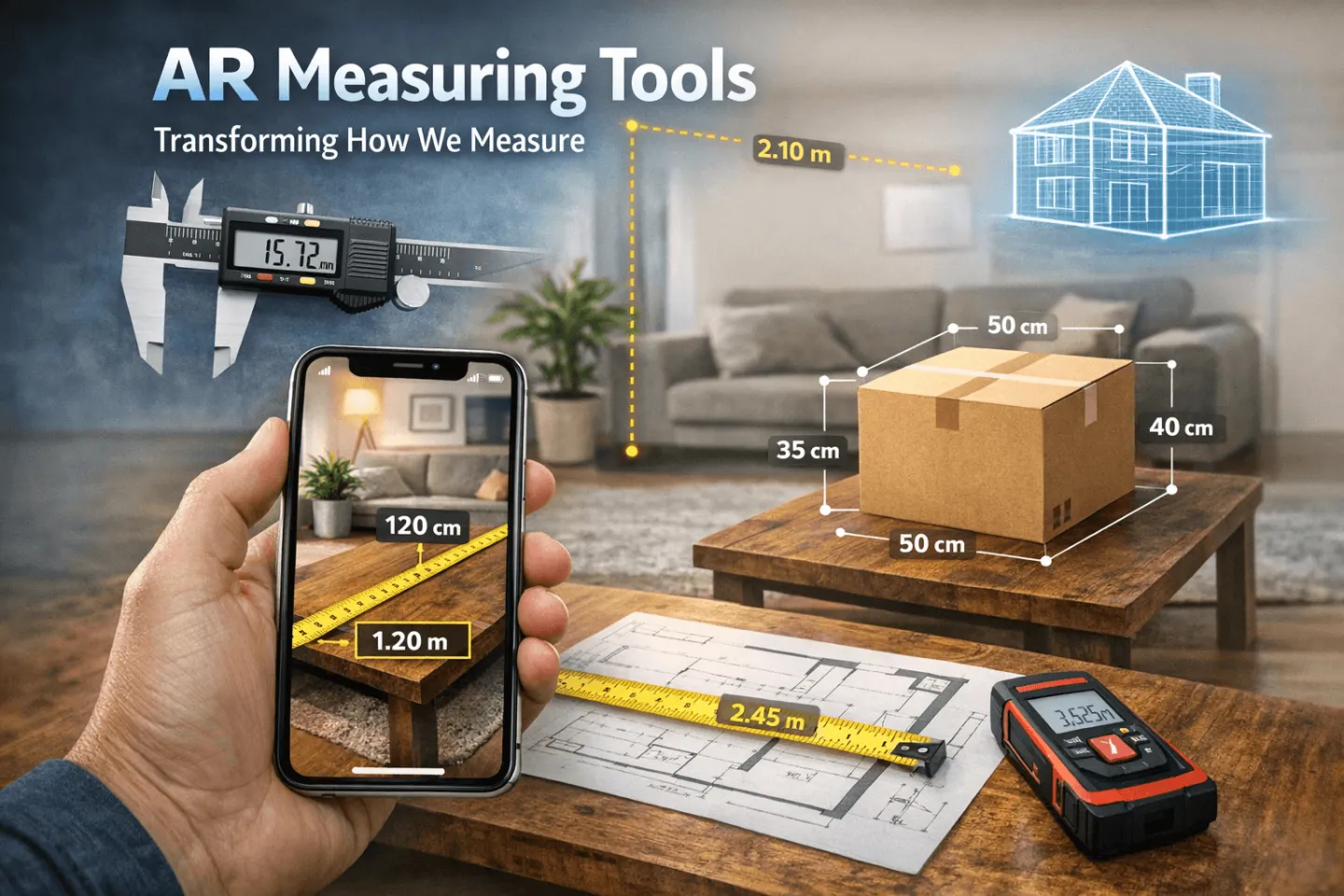
In the ever-evolving world of augmented reality (AR), measuring apps have emerged as a practical tool for both professionals and hobbyists. From quick measurements of spaces to precise customisations for unique objects, AR-based measuring apps streamline tasks that were once tedious and time-consuming.
At the heart of these apps lies the fusion of Unity’s AR tools, anchors, and plane tracking. Here’s how this technology not only facilitates accurate distance measurements but also enables users to visualise custom-sized objects like doors or furniture in AR.
How AR Measurement Works with Unity Anchors and Plane Tracking
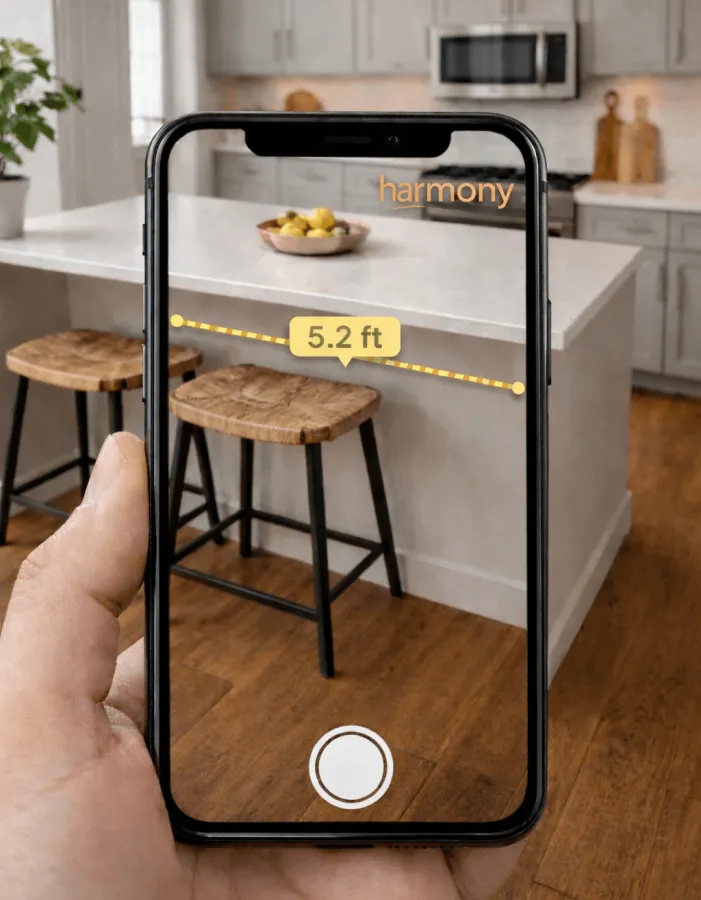
At its core, AR measuring apps rely on spatial awareness to determine the distance between two or more points in the real world. Unity, a robust development platform for AR applications, provides the tools needed to achieve this.
Distance Measurement: By placing two or more anchors and calculating the space between them, AR apps can precisely measure real-world distances. Advanced algorithms handle potential challenges like perspective distortion or surface irregularities.
Plane Detection: Using AR frameworks like ARKit (iOS) or ARCore (Android), Unity detects flat surfaces in the real world. This process involves identifying horizontal or vertical planes based on the user’s surroundings, such as floors, walls, or tabletops. These planes form the foundation for accurate measurement.
Anchors: Once a plane is identified, users can use Unity anchors to lock specific points onto that plane. Anchors ensure that the AR object or measurement remains stable and accurately positioned within the physical environment, even as the user moves the device.
Adapting the Technology for Custom Object Measurements
Measuring general dimensions is one thing; adapting the technology for specific custom-sized objects, like doors, is another. Here’s how this can be achieved:
1. Precise Point Placement
- To measure a custom object like a door, the app allows the user to place anchors at key points (e.g., the top-left, top-right, bottom-left, and bottom-right corners).
- Anchors are locked onto detected planes, ensuring the measurement aligns with the object’s edges.
2. Object Visualisation
- Once the dimensions are captured, the app can generate a 3D model of the object using Unity’s rendering tools.
- For example, after measuring a door’s height and width, the app could overlay a virtual door with customisable designs, materials, and colours directly onto the detected plane.
3. Real-Time Customisation
- Users can adjust the dimensions or features of the AR object to display different options in real-time. This is particularly useful for professionals in interior design, carpentry, or manufacturing who need to ensure the object fits seamlessly into the intended space.
4. Support for Irregular Shapes
Plane tracking isn’t limited to simple rectangles. With Unity, developers can adapt the app to measure and display irregularly shaped objects by mapping multiple anchor points and connecting them with spline curves or polygons.
Applications in Real-World Scenarios
This technology opens up a world of possibilities across various domains:
Construction: Contractors can capture accurate measurements on-site and immediately visualise how custom materials or fixtures will fit.
Home Renovation: Visualise custom-sized doors, windows, or shelves before committing to a purchase. Adjust designs in AR to ensure the perfect fit.
E-Commerce Integration: Furniture and decor retailers can offer AR apps that measure a customer’s space and display accurate virtual models of their products.
Industrial Design: Designers can prototype and test custom-sized components in situ, reducing the time spent on rework.
Challenges and Future Potential
While AR-based measuring apps are highly promising, challenges remain. Lighting conditions, highly reflective or textured surfaces, and environmental clutter can affect accuracy. However, with advancements in AR frameworks and the integration of AI-driven calibration tools, these limitations are diminishing.
Looking ahead, integrating LiDAR (Light Detection and Ranging) technology with AR measurement apps can further enhance precision. Additionally, expanding compatibility with external devices, such as AR glasses, will make the experience hands-free and more immersive.
Conclusion
Unity anchors and plane tracking have improved AR measurement capabilities, enabling the accurate and user-friendly visualisation of custom-sized objects. Whether you’re designing a custom door, shopping for furniture, or working on a construction project, this technology simplifies complex processes and saves valuable time.
By adapting this technology to specific needs, developers can create versatile tools that benefit countless industries. As AR continues to evolve, the ability to bridge the gap between digital and physical worlds will only grow stronger, empowering users to achieve more with ease.
Frequently Asked Questions
Want to learn more? Get in touch

About the author
Kieran Sawyer
Sectors
Services
Your idea
Talk it through with us
Tell us what you are working on, from an early idea to a brief that is ready to go, and we will think it through with you.