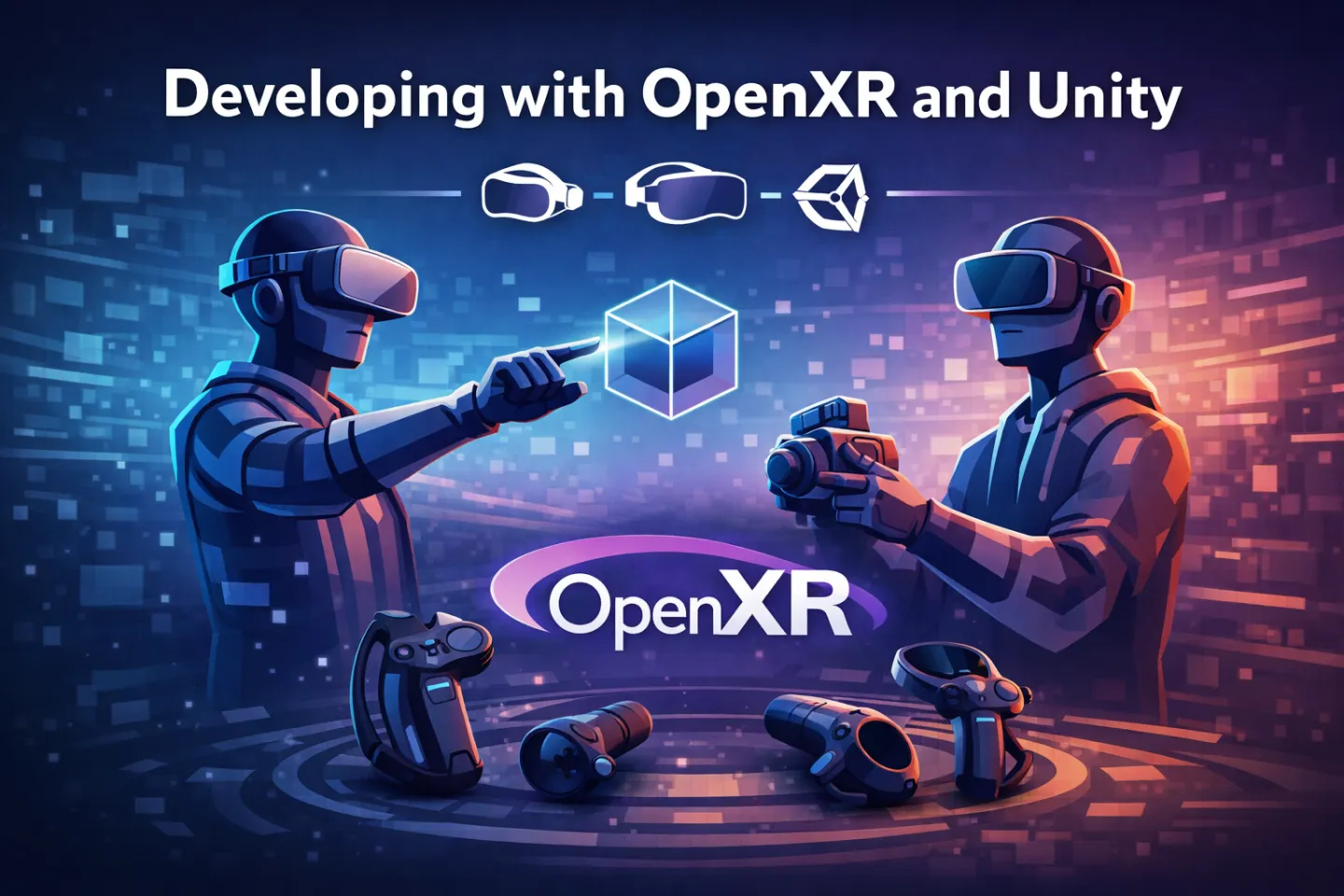
In the early days of spatial computing, developers were often trapped in plugin hell, maintaining separate codebases for every HMD on the market. Today, OpenXR has formalised the communication between the engine and the hardware, allowing Harmony Studios to deliver high-performance, cross-platform solutions for global clients like the RAF and Unilever efficiently.
For the development team, the shift to OpenXR isn't just about compatibility; it’s about moving away from device-specific silos and toward a unified, action-based architecture.
1. The Action-Based Input Paradigm
The most significant technical shift in OpenXR is the abstraction of hardware. We no longer query if "Button A" is pressed; instead, we define a Boolean Action called "PrimaryInteraction."
Setting up the Input Action Asset
In Unity, this is managed via the Input System Package. By creating an InputActions asset, we define a map of abstract interactions:
Actions: (e.g., Teleport, Grab, UI Click)
Bindings: The specific paths (e.g.,
<XRController>{LeftHand}/triggerPressed).
The magic happens in the OpenXR Project Settings, where we add Interaction Profiles (e.g., Valve Index, Meta Quest Touch, HTC Vive). The OpenXR runtime then dynamically maps your abstract "Grab" action to the physical trigger or grip button of whatever hardware the user has plugged in.
2. Standardising the Rig: Shared Prefabs and XRI
By using the XR Interaction Toolkit (XRI) in conjunction with OpenXR, we eliminate the need to swap camera rigs for different platforms; maintaining a Unified XR Rig prefab is much simpler.
Key Components of the Shared Rig:
Tracked Pose Driver (Input System): This component replaces the old platform-specific camera scripts. It uses OpenXR’s standardised pose tracking for the head and hands.
Action-Based Controller Manager: This script listens for the Input Actions we defined earlier. Because it targets actions rather than hardware codes, the same prefab works across multiple platforms.
Interaction Layers: To keep workflows clean, we use Interaction Layers to define which "Interactors" (the hands) can affect which "Interactables" (the objects). This ensures that a "Teleport Ray" doesn't accidentally trigger a "Grab" logic on a distant object.
3. The Power of Feature Groups and Extensions
OpenXR is extensible. This is vital for enterprise-grade features that aren't yet standard across all devices but are supported by specific vendors. Unity’s OpenXR implementation allows us to enable Feature Groups for:
Hand Tracking: Using the
XR_EXT_hand_trackingextension.Eye Gaze Interaction: Essential for accessibility.
Foveated Rendering: Optimising performance on mobile chipsets by reducing pixel density in the user’s peripheral vision.
By using these extensions within the OpenXR framework, we can write graceful degradation logic: if the extension is present (e.g., on a Quest 3), use hand tracking; if not (e.g., on an older Rift), default back to controllers.
4. Workflow Acceleration: The XR Simulator
Testing VR used to be a physical bottleneck. With the XR Simulation environment in Unity, we can simulate OpenXR input directly in the Game View.
This allows our engineers to:
Test complex 6DOF (Six Degrees of Freedom) interactions using a mouse and keyboard.
Debug logic flows without the need to put on and take off hardware.
Validate multi-user networking sync before deploying to physical devices.
Why Strategy Leads to Success
By adopting an OpenXR-compliant workflow, Harmony Studios ensures that our clients' projects are not only robust but future-proof. Whether we are developing for the latest mixed-reality headsets or supporting legacy hardware, our "Build Once, Deploy Everywhere" philosophy reduces technical debt and accelerates time-to-market.
Our vast portfolio and decades of experience make us the premier choice for organisations looking to navigate the complexities of XR. Discover our technical capabilities and enterprise solutions at www.harmony.co.uk.
Frequently Asked Questions
Want to learn more? Get in touch
-
Matt Fraser is Lead XR Developer at Harmony and has 15 years of experience developing immersive digital solutions. His focus is on creating engaging XR experiences that are technically robust, innovative, and effective for clients.
Profile -
Date
Mar 17, 2026
-
Reading time
6 min read
-
Services
Augmented Reality Development
Virtual Reality Development
Immersive Technologies
Location-Based VR Development

Max 500 characters (0/500)