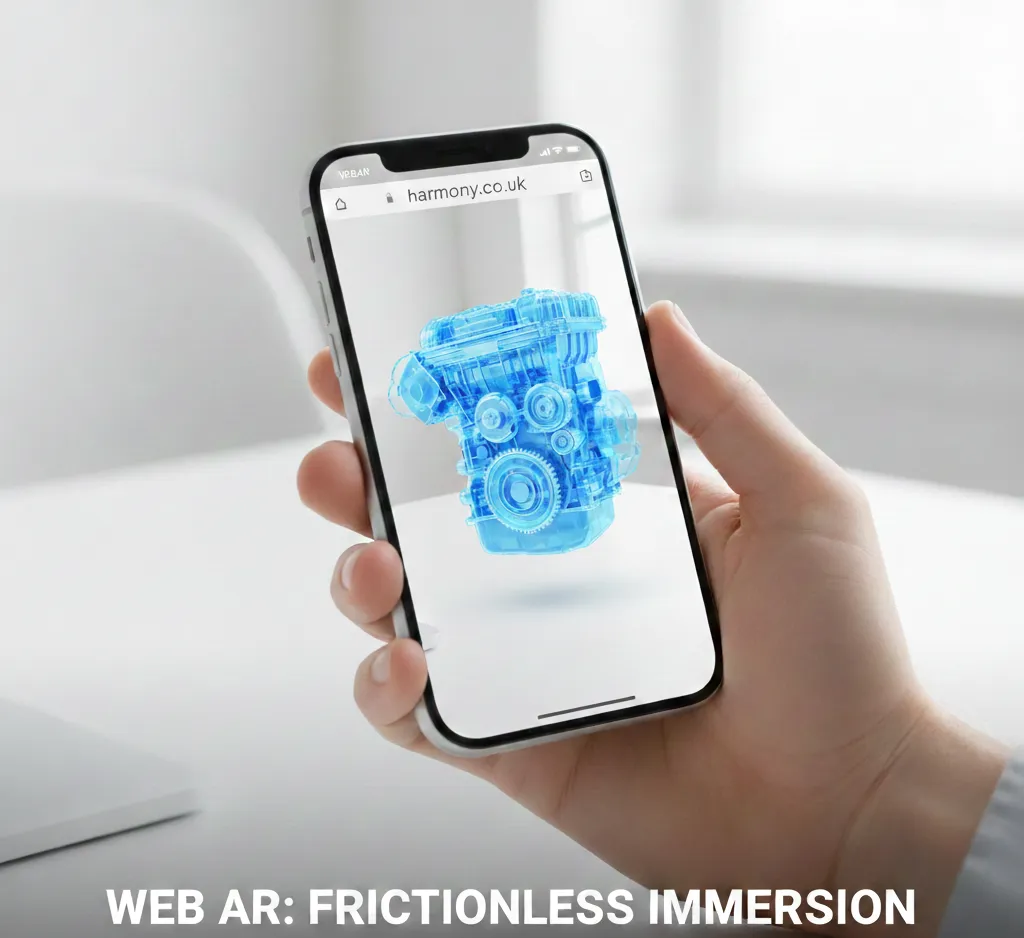
Building an AR experience is one thing; getting people to actually use it is another. At Harmony Studios, we’ve watched technologies fail not because they weren't "cool," but because the friction of entry was too high. Web-based Augmented Reality (WebAR) has solved the "App Fatigue" problem, but it’s important to know when to use it - and when a native app is still the better play.
1. Zero Friction: The "Open Gate" Policy
The biggest hurdle for AR has always been the app store. Statistics show that requiring a user to download a dedicated app can cause a drop-off rate of up to 80%.
WebAR removes the "locked door." Users simply scan a QR code or click a link, and the experience launches instantly in their mobile browser. It’s the difference between asking a customer to fill out a form versus just handing them a flyer.
2. Full Brand Control: The "Surround Page"
Unlike native apps that can feel like a "black box" once they are opened, WebAR lives on a webpage. This is a massive win for marketers:
- Custom Branding: You can brand the entire "surround page" that the AR viewport sits on.
- Integrated Info: You can have product specs, "Buy Now" buttons, or live chat windows sitting right alongside the AR experience.
- SEO & Analytics: Because it’s a website, it’s indexable by Google and tracks just like any other landing page in your existing analytics suite.
3. Rapid Deployment & Real-Time Updates
Since we started in 1995, we’ve seen the evolution of deployment. While app stores have improved (with approvals now typically taking 1–3 days), WebAR still wins on agility. With WebAR, the experience lives on a web server. If you need to fix a typo or swap a 3D model for a flash sale, you push the code and it’s live instantly for every user.
The Trade-off: When should you use an App?
While WebAR is fantastic for reach, it is more basic than a native app in terms of raw power. There are still times when we recommend a dedicated app build:
- Graphical Fidelity: Native apps have direct access to the device's GPU, allowing for much more complex textures and "AAA" visual quality. WebAR is "lighter" to ensure fast browser loading.
- Advanced Tracking: If your project needs "World Mapping" (remembering where virtual objects are placed over long periods) or complex "Occlusion" (where virtual objects go behind real-life furniture), a native app is still the gold standard.
- Offline Access: WebAR requires a data connection. For use cases in remote areas or "dead zones," a native app is a necessity.
Quick Comparison: WebAR vs. App-Based AR
| Feature | WebAR (Browser) | App-Based AR (Native) |
|---|---|---|
| User Access | Link/QR Code (Zero Friction) | App Store Download (High Friction) |
| Branding | High (Custom landing page) | Limited (App UI only) |
| Tracking | Basic to Moderate | High Performance / LiDAR |
| Update Speed | Instant | 1–3 Days (Store Approval) |
| Best For | Marketing, Retail, Events | Long-term Tools, High-end Gaming |
The Verdict
WebAR is the ultimate tool for discovery and mass marketing. It’s how you get 10,000 people to see your product now. Native apps are for utility and deep engagement - tools that users will return to time and time again.
At Harmony Studios, we can help you decide which path fits best for you.
Frequently Asked Questions
Want to learn more? Get in touch