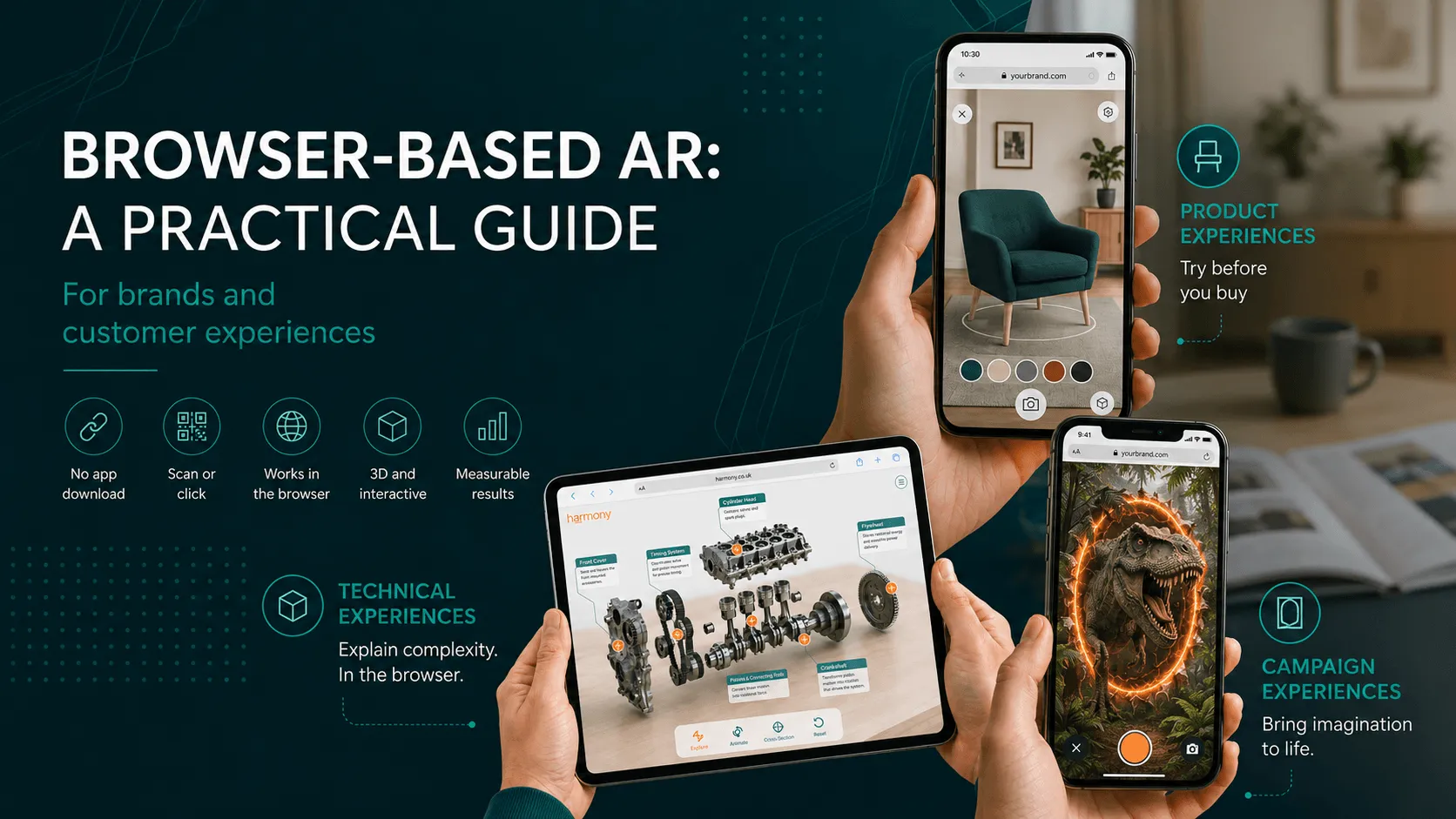
Browser-based AR: a practical guide for brands and customer experiences
A practical series on using browser-based AR for campaigns, product demos, packaging, events, education and customer experiences.
3 parts in this series · 28 min total
This series explores how browser-based AR can be used more practically across real customer journeys. It covers when AR does and does not need an app, what modern web-based AR can now do, how it compares with app-based experiences, and the commercial case around cost, measurement, reusable 3D assets and faster testing. It is designed to help teams make better decisions before they brief, plan or build an AR project.
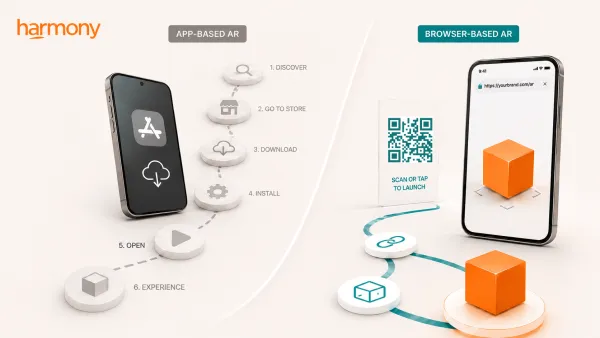
Part 1 of 3
Does your AR experience really need an app?Many AR experiences lose people before they even begin because the route in asks too much of the user. This article looks at why browser-based AR can be a better starting point for campaigns, product demos, packaging, events and customer experiences, especially when quick access matters.
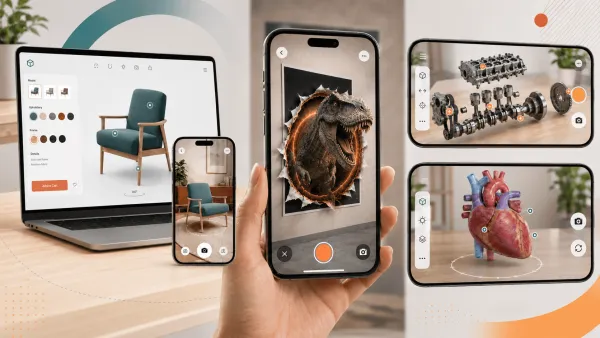
Part 2 of 3
Planning an AR project? Browser-based AR can do more than you might thinkBrowser-based AR is no longer limited to simple 3D previews. This article looks at how modern web-based AR can support custom UI, animation, interactive content, product configurators, campaign experiences and richer customer journeys without starting from an app store download.
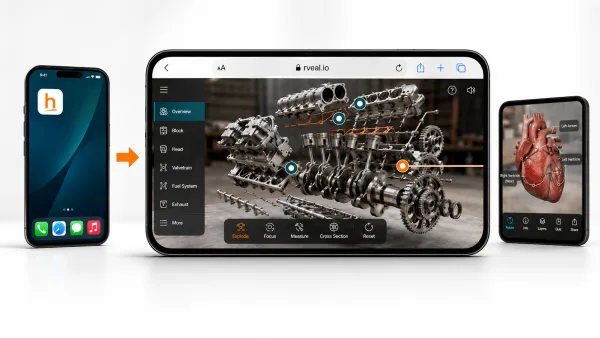
Part 3 of 3
Why browser-based AR is becoming a more practical investmentThe final article in the series looks at the commercial case for browser-based AR: what it costs, how quickly it can launch, how it can be measured, how 3D assets can be reused across channels, and when a native app is still the better choice.